Quick answer
Drop the HEIC photo directly into CutawayBG, let the browser decode it locally, remove the background, then export the result as a transparent PNG. No converter app, account, watermark or upload is required.
Remove background from HEIC →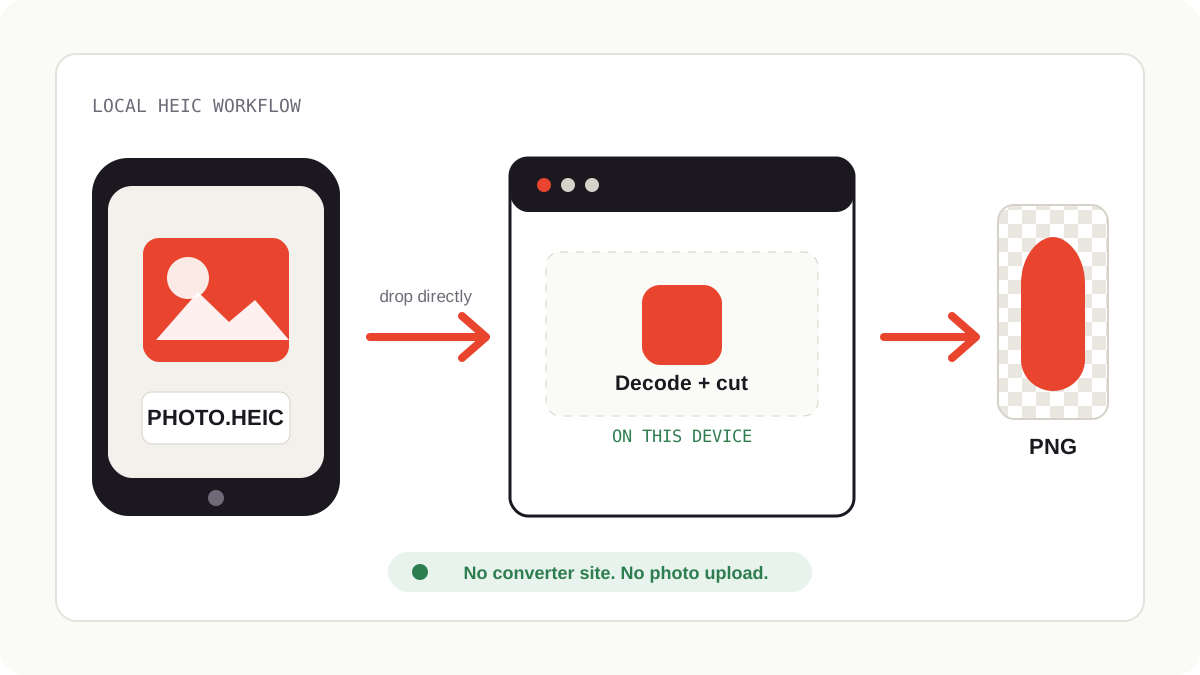
How to remove a background from an iPhone HEIC photo
- Transfer the HEIC photo. Use AirDrop, iCloud Drive, USB, Messages, email or any folder where the original file is available.
- Drop the HEIC into CutawayBG. You do not need to rename it or convert it first.
- Let the browser decode the file locally. Safari can read HEIC natively; other browsers use a local decoder inside the page.
- Remove and refine the background. Use the AI cutout first, then the Erase / Restore brush for edges, hair, clothing and small details.
- Export PNG for transparency. Use PNG when you need a transparent background. Use JPG only if you choose a white or colored background.
Why your iPhone photos are “weird files”
Since iOS 11, iPhones save photos as HEIC (High Efficiency Image Container) by default. It's a genuinely better format — roughly half the file size of JPEG at the same quality — but a decade later, plenty of web tools and Windows apps still don't read it. The usual advice is a chain of workarounds: email the photo to yourself, run it through a converter app, or change a camera setting and lose the storage savings.
The direct route
Drop the .heic file straight into Cutaway — from AirDrop, iCloud Drive, a USB transfer, wherever it lives. No renaming, no pre-conversion.
The decoding happens in your browser. On Safari, the browser reads HEIC natively. On Chrome, Edge, or Firefox, Cutaway quietly loads a small open-source HEIC decoder and converts the photo locally — the file is never uploaded for conversion, which is how most “free HEIC converter” sites work (and how your photos end up on their servers).
Cut, refine, export. From here it's a normal photo: the AI removes the background, you can touch up edges with the Refine brush, and export as PNG (transparency), JPG, or WEBP.
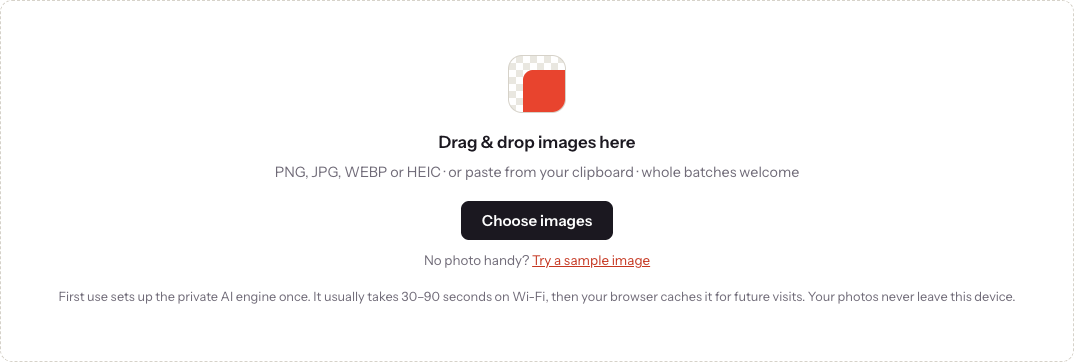
The current file input accepts both HEIC and HEIF. Conversion runs before background removal and stays inside the browser. Very old browsers may still fail to decode these files; in that case, use current Safari, Chrome or Edge.
HEIC questions, quickly answered
Does the quality suffer?
No. The local conversion decodes the full-resolution image losslessly into memory before processing. Your export resolution matches your original.
What about Live Photos and portrait mode?
The still frame works fine. Depth data from portrait mode isn't used — the AI computes its own subject mask, which is usually more precise at edges than the phone's depth map anyway.
Should I just switch my iPhone to JPEG?
If HEIC regularly blocks your workflow elsewhere: Settings → Camera → Formats → “Most Compatible.” You'll trade away about half your photo storage efficiency. If background removal was the only blocker, you no longer need to.
The privacy angle most converters hide
Search “HEIC to JPG converter” and nearly every result is a website that uploads your photo to a server, converts it, and serves it back. The photos people most often need to convert — family shots, IDs, documents, screenshots — are exactly the ones you'd least want sitting in a stranger's temp folder. Cutaway's conversion and background removal both run on your device; the page's live privacy monitor shows zero bytes of image data leaving.
HEIC background removal vs converter websites
| Question | CutawayBG | Typical HEIC converter site |
|---|---|---|
| Do you need to convert first? | No, drop HEIC directly into the tool | Usually yes, then use another background remover |
| Where is the photo processed? | In your browser on your device | Usually on the provider's server |
| Best export for transparency | PNG | Depends on the second tool you use |
| Extra account or watermark? | No account, no watermark during launch | Varies by provider |
FAQ
Can I remove the background from an iPhone HEIC photo?
Yes. CutawayBG accepts HEIC and HEIF files directly, removes the background in your browser, and exports PNG, JPG or WEBP.
Do I need to convert HEIC to JPG first?
No. Drop the original HEIC file into CutawayBG. The local browser workflow handles the file before background removal.
Are HEIC photos uploaded?
No. Conversion and background removal happen in your browser tab, so the photo is not uploaded to a server for processing.
Which export should I choose?
Choose PNG if you need a transparent background. Choose JPG only after you add a solid background, because JPG cannot store transparency.
Try it on your own photo — right now, right here
Cutaway runs the AI in your browser. Free, unlimited, full resolution, no watermark, no account — and your photo never leaves your device.
Remove a background free →