Quick answer
To make a logo background transparent, remove the background from the logo file and export the result as PNG. CutawayBG does this free in your browser, with no account, no watermark and no upload.
Make a transparent PNG →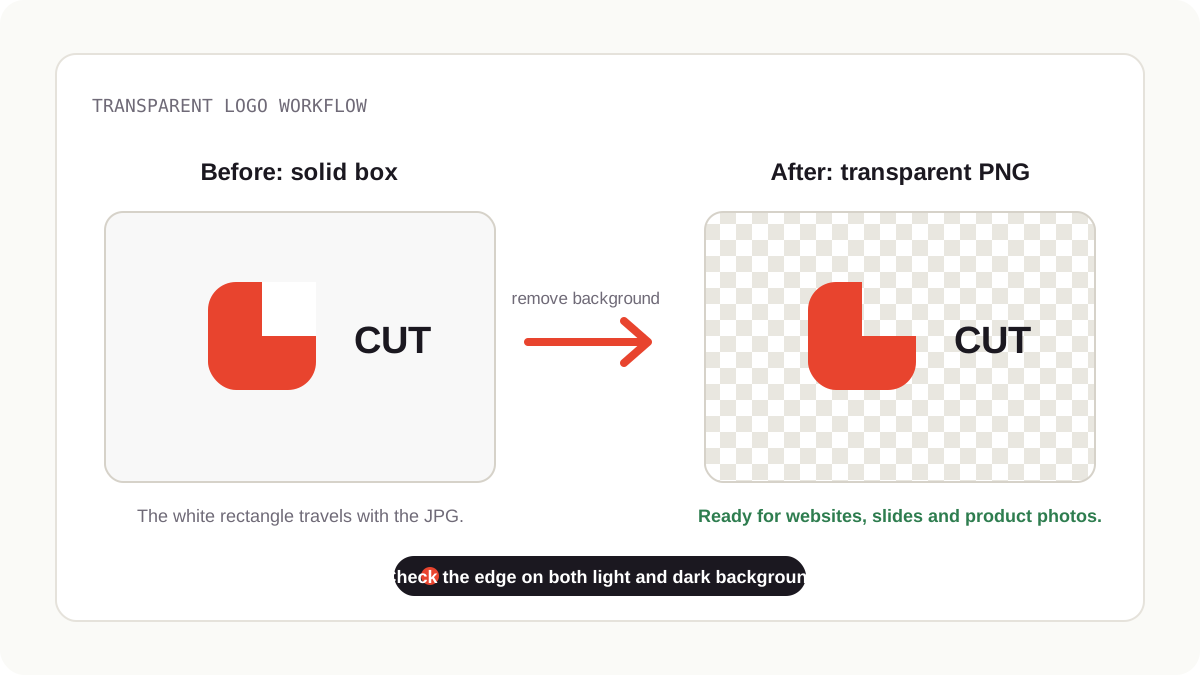
How to make a logo background transparent
- Start with the largest logo file you have. A bigger source image gives cleaner text edges and fewer jagged pixels.
- Add it to CutawayBG. Drag in a JPG, PNG or WEBP logo, or paste it from your clipboard.
- Remove the background locally. The browser-based AI separates the logo from its white, black or colored box without uploading the file.
- Check the edges on a checkerboard. Look for leftover halos around letters, icons and thin strokes.
- Export as PNG. PNG keeps transparency and works almost everywhere. WEBP is smaller, but only use it when your destination supports transparent WEBP.
Why “just use the JPG” never works
JPEG has no alpha channel — no transparency, full stop. Any logo saved as JPG carries a solid rectangle behind it, which is invisible on white pages and glaring everywhere else. What you want is a PNG with transparency (or WEBP, which is smaller and also supports alpha).
The clean extraction workflow
Start from the biggest version you have. Hunt for the original email attachment, the print file, anything large. AI cutouts scale down beautifully but can't invent detail that isn't there.
Drop it into Cutaway. Logos on flat backgrounds are the easiest case there is — the AI separates them almost perfectly.
Inspect the edges against the checkerboard. The preview's checker pattern shows true transparency. Look closely at thin strokes and lettering: that's where leftover halos live.
Kill the halo. “Clean color fringe” strips the old background color bleeding into anti-aliased edges — the classic white outline you see on badly extracted logos on dark sites. For interior counters (the holes in letters like a and o) that the AI kept filled, two seconds with the Refine brush's erase mode fixes them.
Export PNG. Or WEBP if your platform supports it — typically 30–60% smaller with identical transparency. JPG is the one format that defeats the whole exercise.
Test on both extremes
A transparent logo that looks perfect on white can reveal a ghost outline on black. Before you ship it, set Cutaway's background to Solid color → black to preview the worst case, then switch back to Transparent and export. Ten seconds of checking saves a logo that embarrasses you on dark mode.
Background removal creates a transparent raster image; it does not turn a JPG into a true vector logo. For print, signage or unlimited scaling, ask for the original SVG, AI or EPS file.
Transparent PNG vs SVG vs WEBP
| Format | Use it when | Watch out for |
|---|---|---|
| PNG | You need a transparent logo that works almost everywhere | File size can be larger than WEBP |
| SVG | You have the original vector logo and need perfect scaling | A photo-based JPG logo cannot become a true vector automatically |
| WEBP | You need a smaller transparent asset for modern web use | Some older tools and platforms still prefer PNG |
| JPG | You do not need transparency | JPG cannot store a transparent background |
When to ask for the source file instead
If this logo is going on print, signage, or anything large-format, the right asset is the original vector file (SVG, AI, EPS) from whoever designed it — vectors scale infinitely. An extracted PNG is the right tool for web pages, decks, watermarks, social posts, and product mockups: the everyday 95% of uses.
FAQ
How do I make a logo background transparent for free?
Use CutawayBG to remove the background, inspect the edge on a checkerboard, then export as PNG. The tool is free during launch and does not add a watermark.
Can a JPG logo be transparent?
The original JPG cannot store transparency. You can use a JPG as the source, remove the background, and download a new transparent PNG.
Should I download PNG or WEBP?
Choose PNG for compatibility. Choose WEBP only when you know the destination supports transparent WEBP files.
Does the logo get uploaded?
No. CutawayBG runs the cutout in your browser tab, so the logo stays on your device during processing.
Try it on your own photo — right now, right here
Cutaway runs the AI in your browser. Free, unlimited, full resolution, no watermark, no account — and your photo never leaves your device.
Remove a background free →